S&P 500 & Nasdaq 100 GEX Indicator
for TradingView
See dealer gamma walls, support/resistance zones, and quantum field boundaries directly on TradingView. Data powered by the TLADe Terminal — updated across 6 daily sessions.

Two indicators.
Complete market structure.
Each indicator reads a data string you copy from the TLADe Terminal. No API key needed, no external data feeds. Simple copy → paste → see levels.

Gamma Exposure Levels
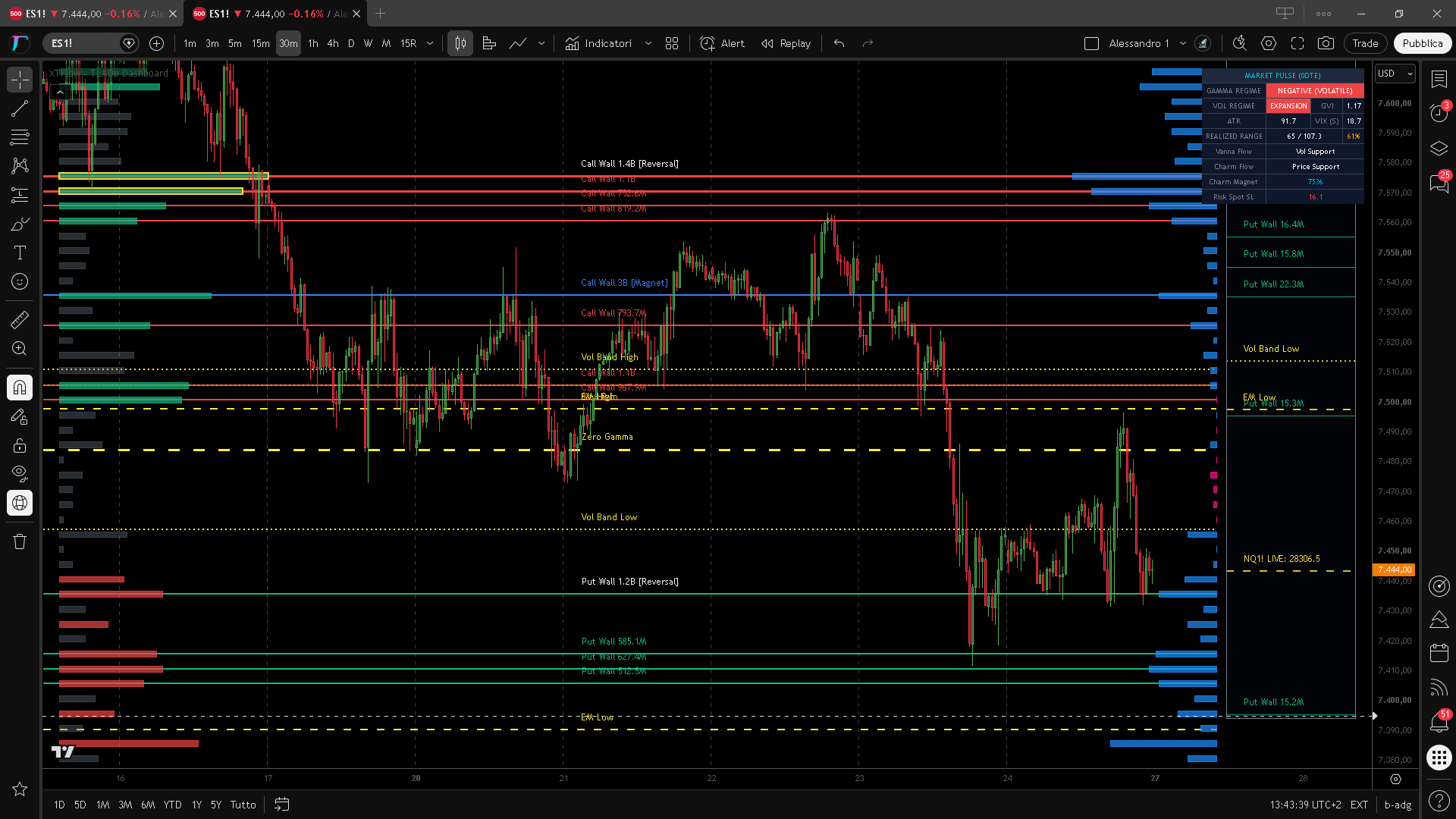
Call Walls, Put Walls, Zero Gamma, Vol Bands, Expected Move — all plotted as horizontal levels with automatic turnover logic. Levels flip role when price crosses them.

Field Zone Analysis
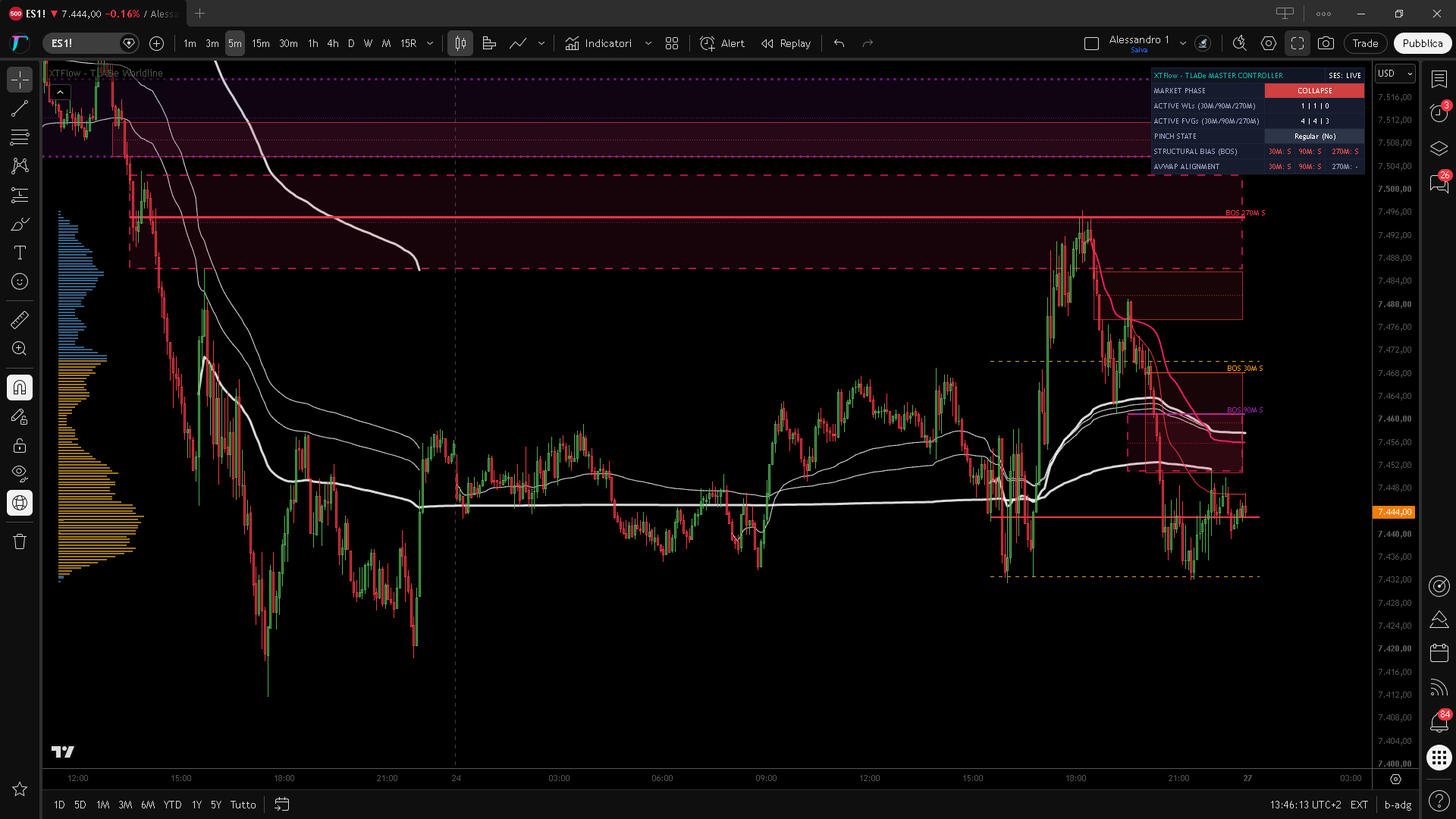
Quantum field boundaries showing attraction and repulsion zones. Each level's field width visualized as a gradient region — see where price is likely to stall or accelerate.
Everything you need. Nothing you don't.
Each level is classified, color-coded, and positioned with precision.
Call / Put Walls
Major gamma concentrations acting as resistance (calls) or support (puts). Labels show strike, type, and GEX magnitude.
Zero Gamma
The inflection point where dealer hedging flips from stabilizing to amplifying. Critical directional pivot.
Vol Bands
Volatility-derived expected range boundaries. High and Low bands frame the day's probable movement.
Expected Move
Options-implied daily range. EM High and EM Low define the statistical boundary for the session.
Quantum Field
Field zones showing where dealer gamma creates "gravity" around price levels. Gradient width = influence range.
Turnover Logic
Levels don't disappear when crossed — they flip role. Resistance becomes support and vice versa. Automatic.
Three steps. Under a minute.
No API keys, no complex configuration. Just copy, paste, trade.
Add Indicators
Search "TLADe" on TradingView and add the GEX Dashboard and/or Quantum Field Ladder to your chart.
TLADe_TradelikeaDealer
Copy Data String
In the TLADe Terminal, click the TradingView icon on any session. The data string is copied to your clipboard automatically.
6956:PW:1.7B|6988:MG:1.6B|7013:CW:974M…
Paste in Settings
Open the indicator settings on TradingView, paste the string into the Data input field. Levels appear instantly.
Settings → Inputs → Data String → Paste
Updated across 6 daily sessions.
We don't do "real-time" — we do precision at the moments that matter. Each session publishes a fresh GEX snapshot, so your TradingView levels stay current throughout the trading day.
The TLADe Terminal.
Your TradingView indicators are the tip of the iceberg. The Terminal gives you the full picture — including the data you paste into your charts.


Get the data.
See the structure.
Access the Terminal to generate your TradingView data strings — free tier available.
 Built on the TLADe data feed